Dental Office IT Support: Keeping Every System in Your Practice Running

Adam Quan is the President of Columbia IT Solutions, an award-winning provider of managed IT services to over 200 businesses and nonprofits in the Southeast.

Running a busy dental practice in Columbia, SC requires seamless technology operations. From front desk workstations to advanced imaging systems, every component must function perfectly. Effective Dental Office IT Support ensures your practice avoids disruptions, allowing both staff and patients to have a smooth experience.
Key Insights
Proactive Network Management is Crucial – Secure and optimized network infrastructure guarantees smooth clinic operations and supports growing patient volumes without connectivity issues.
HIPAA Compliance is Non-Negotiable – Robust data security, including encryption and access controls, protects sensitive patient information and prevents costly compliance violations for dental practices.
Specialized IT Expertise Matters – Dental-specific IT support understands unique hardware like intraoral scanners and practice management software, providing faster troubleshooting and preventing misconfigurations.
Data Backup and Recovery are Essential – Automated daily backups and tested recovery plans safeguard against data loss from ransomware or hardware failures, ensuring business continuity.
Regular Software and Hardware Maintenance Prevents Downtime – Consistent updates, system checks, and device support keep all dental technology running efficiently, minimizing unexpected interruptions during patient hours.
When technology falters, the entire day can be thrown off schedule. This affects patient care, administrative tasks, and your practice’s overall reputation. This guide explores the essential aspects of IT support that keep dental practices running reliably and efficiently in the Columbia area.
The Importance of Specialized Dental IT Support
Modern dental offices rely heavily on interconnected systems. These systems range from scheduling software to digital X-ray machines. Therefore, effective IT support is vital for efficiency and compliance.
Specialized Columbia IT Services understand the nuanced needs of a dental environment. Your staff must access patient records across multiple workstations without delay. Furthermore, new equipment must integrate smoothly into existing setups. A dedicated IT provider can assess your current configuration and identify specific connectivity needs. They also plan for future growth as patient volume increases and new technologies are adopted.
Network Infrastructure Management
A reliable network infrastructure is the foundation of any successful dental practice. Efficient management includes reviewing cable runs and wireless coverage. This ensures there are no dead zones near treatment rooms or front desk areas. Regular monitoring allows IT support teams to proactively identify and resolve potential issues. This prevents disruptions to your workflow and maintains smooth communication between clinical and administrative staff. Managed IT services Columbia SC providers experienced in dental IT offer this proactive infrastructure management, specifically tailored for local dental practices.
Secure Connectivity Setup
Safeguarding patient information is paramount. Secure connectivity protects sensitive data while enabling efficient staff workflows. Key security measures include VPN access for remote team members, secure firewalls, and separate network segments for clinical and administrative functions. Consequently, unauthorized users are blocked from accessing practice systems. This separation is particularly useful during busy periods, ensuring both clinical and administrative operations run at full capacity. Regular security reviews and updates are crucial as cyber threats evolve, ensuring access points are secure and configurations remain current. This aligns with why businesses need strong password and access management as a foundational security principle.
Bandwidth Optimization
Dental offices frequently handle large imaging files and support multiple users simultaneously. Prioritizing network traffic for critical applications, such as digital X-rays, ensures these files transfer quickly when needed most. Moreover, system updates can be scheduled during off-hours to avoid interfering with patient appointments. This approach allows imaging studies to move smoothly from capture devices to review stations without delays. Administrative staff also experience fewer interruptions when accessing scheduling software or financial records. Effective bandwidth management keeps all systems running smoothly, even during high-volume days. IT support Columbia providers monitor and optimize these traffic patterns for area dental practices.
Hardware and Device Support for Dental Practices
Dental equipment and workstations require consistent attention. This ensures smooth clinical operations and prevents unexpected downtime. Therefore, preventative maintenance is key.
Workstation Maintenance
Staff workstations serve as the primary interface for patient records and appointment scheduling. Weekly system checks cover memory usage monitoring, performance assessments, and critical software updates. These updates address security vulnerabilities and improve compatibility with dental practice management tools. Peripheral device testing ensures printers, scanners, and other peripherals connect reliably. System optimization, including clearing temporary data and verifying network connectivity, further enhances performance. Documented maintenance logs track each workstation’s service history, helping IT teams forecast replacement needs and budget for technology upgrades. Managed IT services near Columbia providers maintain these logs and schedules for dental practices, ensuring optimal functionality.
Printer and Scanner Management
Reliable printing and scanning are essential for insurance claims, patient documents, and referrals. Key management practices include regular supply inventory checks and cleaning cycles to prevent paper jams. HIPAA-compliant configurations, with password protection and restricted access, are also implemented. Automatic alerts notify staff about low toner levels or empty paper trays. IT support teams configure devices to integrate seamlessly with existing software systems and HIPAA-compliant workflows. Streamlined management of printers and scanners improves efficiency and reduces waste. IT outsourcing Columbia providers handle this critical device management lifecycle for local dental offices.
Software and Application Support
Practice management software is the operational backbone for modern dental offices. Cloud-based solutions provide automatic updates, ensuring systems are always current without manual intervention. Remote access capabilities allow dentists to securely review patient records from any location, reducing hardware maintenance requirements. These platforms handle daily operations with greater efficiency than traditional server setups. Automatic updates also ensure compliance features remain current with changing regulations. Staff members benefit from consistent performance across all devices. Furthermore, cloud technology offers better protection against data loss through built-in backup services.
Practice Management Systems
Integrated practice management systems centralize scheduling, billing, and patient communication. Key features include automated appointment reminders, which reduce no-shows by notifying patients through various channels. Insurance eligibility verification saves staff time by automatically checking coverage details during patient check-ins. Role-based access controls protect sensitive information while allowing necessary workflow. Clear audit trails for every action taken within the system support compliance efforts. Proper configuration balances security needs with practical productivity requirements. This complements why businesses need clean organized file structures for accessible and well-organized dental practice management systems.
Imaging and Diagnostic Software
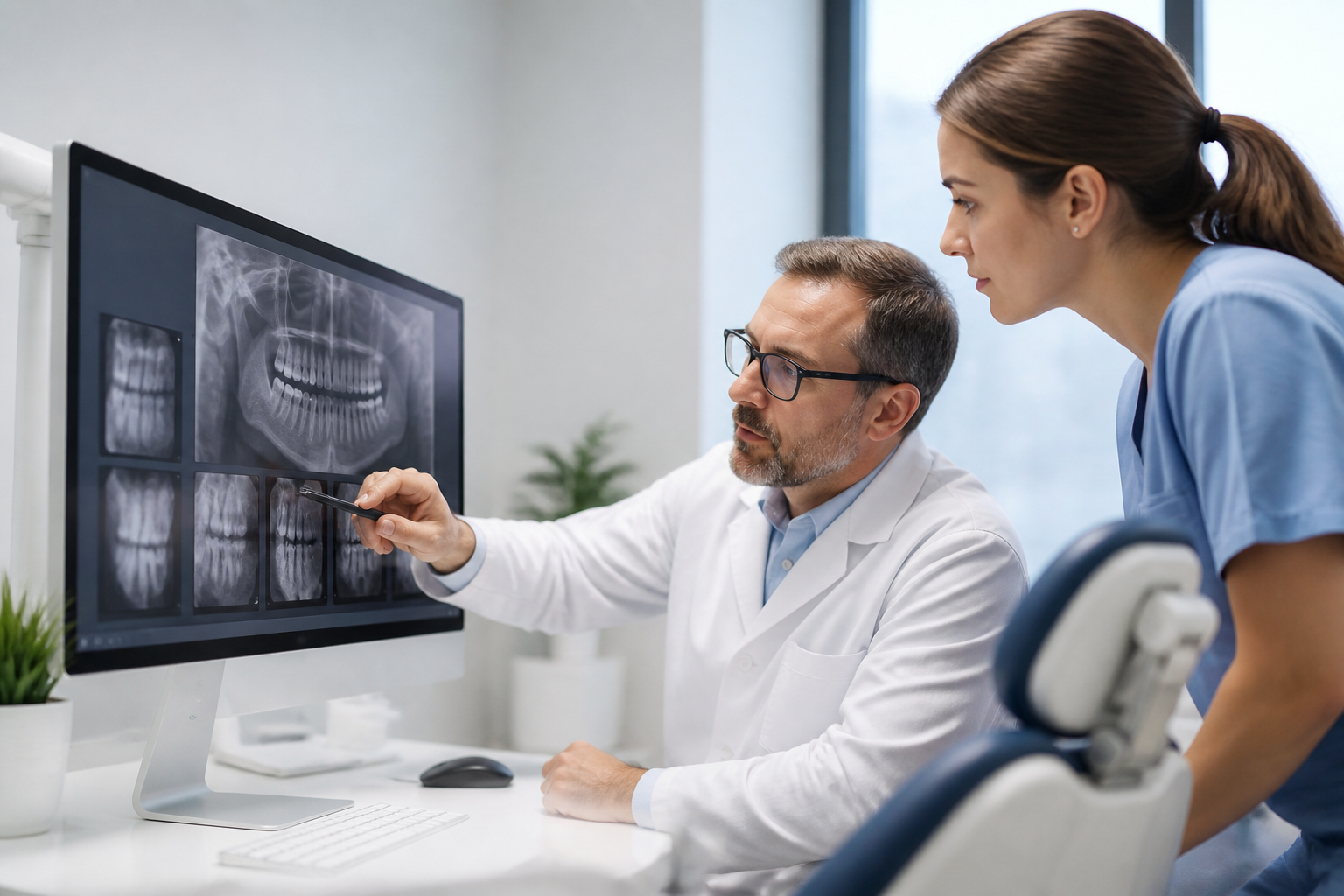
Digital imaging significantly enhances diagnostic capabilities and improves treatment planning discussions with patients. Integration with practice management systems creates seamless workflows from diagnosis to billing. Images appear automatically in patient records without manual file transfers. Regular calibration schedules keep hardware devices performing at optimal levels. Technicians perform checks at set intervals to maintain image quality standards. Staff training on file organization improves retrieval speed during busy periods. Clear naming conventions and folder structures reduce search time significantly. Managed IT security services Columbia providers secure these imaging integrations, verifying patient data remains HIPAA-compliant throughout every workflow.
Data Security and Compliance in Dental IT
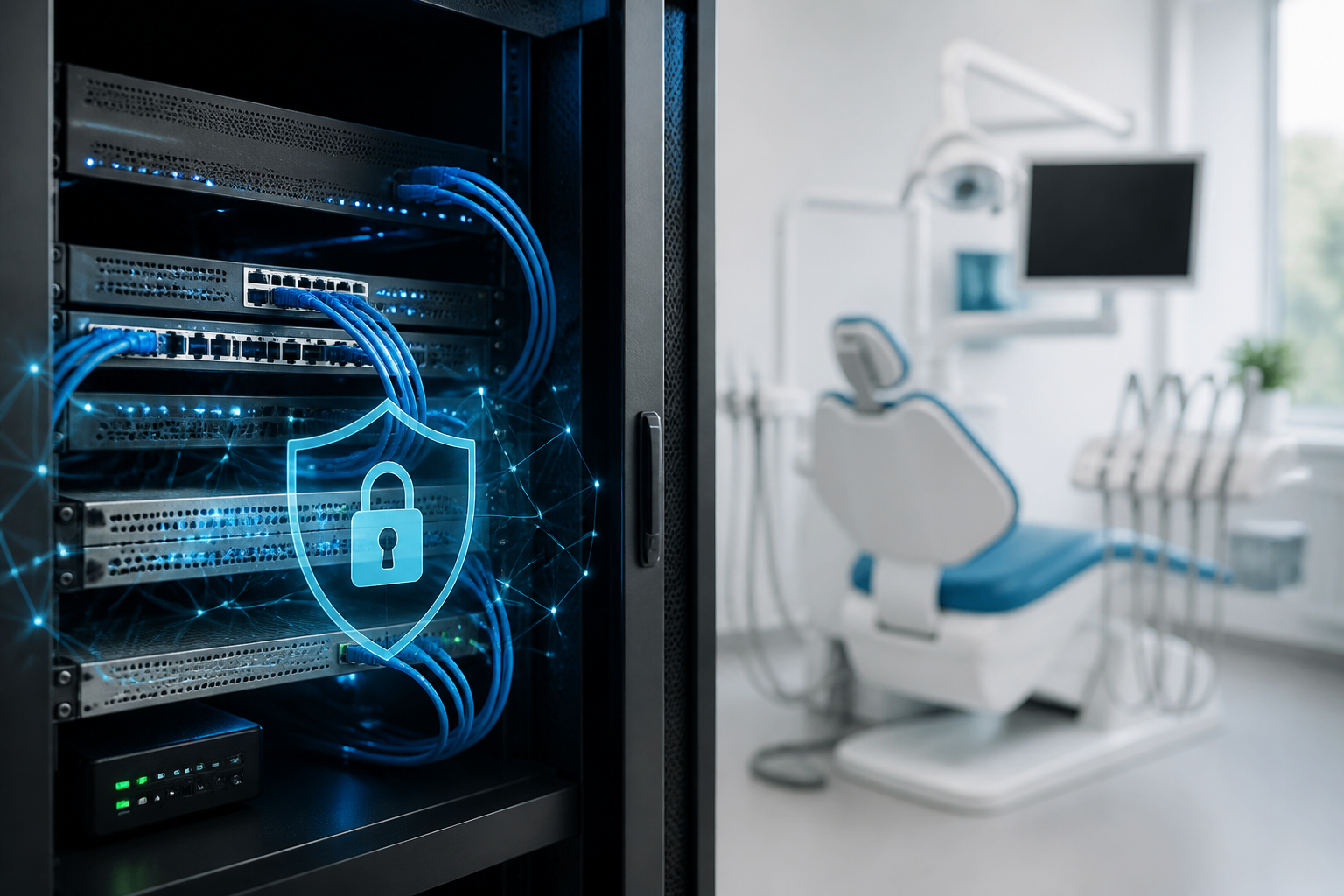
Dental practices must protect patient data while meeting stringent regulatory requirements for healthcare information. Regular security assessments identify vulnerabilities in networks and systems before problems occur. Access logs track who views patient records, and encryption protects information whether it is in transit or stored in databases.
Working with specialized dental IT support helps ensure every piece of technology meets these obligations. Outsourcing these responsibilities allows dentists to focus on patient care rather than managing complex security tasks. IT support services keep systems updated and monitored around the clock. The impact of poor IT hygiene on daily operations includes neglected security maintenance, which creates compliance risks and patient data exposure. Furthermore, cybersecurity measures are critical to manage risks like ransomware.
HIPAA Compliance Measures
HIPAA compliance involves both technical safeguards and administrative procedures tailored to dental environments. Key compliance components include regular risk assessments, which identify gaps in current security setups. Technical controls, such as firewalls, encryption tools, and secure access points, are also vital. Access logs create detailed records of every interaction with patient information. Staff training on recognizing phishing attempts and proper data handling is essential. Quarterly compliance reviews keep practices aligned with current standards. IT security services Columbia providers manage this entire HIPAA compliance framework for local dental practices.
Backup and Recovery Solutions
Data loss can severely disrupt patient care and damage a practice’s reputation. Automated daily backups store copies of critical information in secure cloud locations. Quarterly tests verify that backup systems work as expected. Isolation protocols prevent threats from spreading across office networks during ransomware incidents. Clear contact points for immediate assistance during security events are also established. Recovery time objectives guide decisions about system priorities. Regular updates to backup strategies account for new software versions and hardware additions, with cloud services providing offsite storage that survives local disasters. This layered approach protects dental practices from various threats. Therefore, disaster recovery planning is a non-negotiable component of any Columbia dental practice IT strategy.
Staff Training and User Support
Well-trained staff use technology more effectively, contributing to smoother daily operations. Regular training sessions cover new features that improve patient records management and appointment scheduling. Security best practices form a core part of ongoing education. Staff learn to recognize potential threats and protect sensitive patient data through hands-on exercises, demonstrating proper HIPAA compliance handling during daily tasks.
Designating technology champions within the office creates reliable support resources. These team members receive additional training and assist colleagues with questions. This bridges the gap between external IT support and daily practice needs. Moreover, this approach helps address poor response times from IT providers by empowering internal resources.
Building a Knowledge Base
A well-organized knowledge base provides staff with quick answers to common questions. Documents cover software functions, security protocols, and billing procedures. Regular updates keep the knowledge base current with practice changes. Searchable formats make information accessible during busy clinic hours. Feedback loops continuously improve the quality of stored information. This enhances staff confidence and reduces reliance on immediate IT assistance.
Creating Ongoing Support Channels
Multiple support channels ensure staff receive help when needed. These include in-person assistance, video calls, and ticket systems for different urgency levels. Weekly check-ins between technology champions and the team identify emerging issues. Remote IT support provides expert guidance for complex matters without disrupting workflow. Performance tracking reveals areas where additional training would be beneficial. Metrics focus on resolution speed and staff confidence with new technology. Improvement plans address gaps proactively, supporting how IT support helps employees feel more confident with technology as a measurable outcome of effective dental IT support programs.
Ready to Optimize Your Dental Practice’s IT?
Don’t let technology challenges slow down your Columbia dental office. Our specialized IT support ensures your systems are secure, compliant, and always available. Focus on patient care while we handle the tech.
Frequently Asked Questions
What services does Dental Office IT Support provide?
Dental Office IT Support is a specialized service ensuring all technology systems in a dental practice are optimized, maintained, and available. This includes patient records, digital X-rays, billing software, network security, and HIPAA compliance. Managed IT services Columbia SC providers with dental expertise cover this entire technology ecosystem.
How do I manage cybersecurity and ransomware risks in my dental practice?
Managing cybersecurity and ransomware risks involves implementing comprehensive security measures such as firewalls, encryption, anti-malware protection, and regular data backups. Regular risk assessments and staff training on recognizing threats are also crucial. Specialized dental IT support can help establish robust protocols and respond to security events swiftly, minimizing impact. You can learn more about HIPAA Security Rule guidance from authoritative sources.
How can I address poor response from my current IT provider?
If you’re experiencing poor response from your current IT provider, it’s essential to communicate your concerns clearly. If improvements aren’t made, consider seeking a specialized dental IT support provider who understands the urgency and unique requirements of a dental practice. A new provider should offer clear service level agreements, proactive monitoring, and dedicated support channels to ensure timely assistance. Timely Help Desk & Technical Support is crucial for any business.
How can I get copies of my dental records?
As a patient, you have the right to obtain copies of your dental records. Most dental offices have a formal process for this. Typically, you can request copies by filling out a release form at your dental office. They usually provide copies within a certain timeframe, ensuring patient privacy and compliance with regulations. Questions about your care or records should always be directed to your specific dental office for their precise policies.
Does the dental office accept my insurance and what payment methods are accepted?
To determine if a dental office accepts your insurance, it is best to contact their administrative staff directly. They can verify your coverage and explain your benefits. Most dental offices accept various payment methods, including major credit cards, debit cards, cash, and sometimes offer payment plans. It’s advisable to discuss payment policies and insurance details before scheduling an appointment to ensure clarity. Patient Resources often include detailed information on payment and billing.